How to block Roblox on iPhone without deleting it
Quick answer: on iOS 27, open Settings → Family → your kid → Time Allowances, put Roblox in its own category and set it to zero. On iOS 26 and earlier, add a 1-minute App Limit for Roblox with Block at End of Limit on.
1. Block Roblox with a time limit of (almost) zero
iOS 27 and later
- Open Settings → Family and tap your kid's name.
- In Time Allowances, use Manage Categories to create a category with just Roblox.
- Set that category's allowance to 0 minutes.
iOS 26 and earlier
- Open Settings → Screen Time → App Limits → Add Limit.
- Search for Roblox, select it and tap Next.
- Set the time to 1 minute (the lowest option) and keep Block at End of Limit on.
Either way the icon stays on the Home Screen but won't open. Their account and data stay as they are.
2. Block it during set hours
Use a Screen Time Schedule on iOS 27, or Downtime on earlier versions, for school nights and bedtime, and leave Roblox out of the apps that are always allowed.
3. Stop them from reinstalling it
On iOS 26 and later go to Settings → Family → your kid → Apps & Websites → App Store and set Installing Apps to Blocked. On older versions it's Content & Privacy Restrictions → iTunes & App Store Purchases → Installing Apps → Don't Allow. Otherwise deleting Roblox only lasts until the next download.
Don't forget roblox.com
Blocking the app doesn't block the website. In Content & Privacy Restrictions → App Store, Media, Web & Games → Web Content, add roblox.com under Never Allow.
Lock the settings
Manage these settings from your own device through Family Sharing, or turn on a Screen Time passcode that's different from the phone's unlock code. Without that, any of these blocks can be undone in seconds.
Instead of a hard block: make it earned
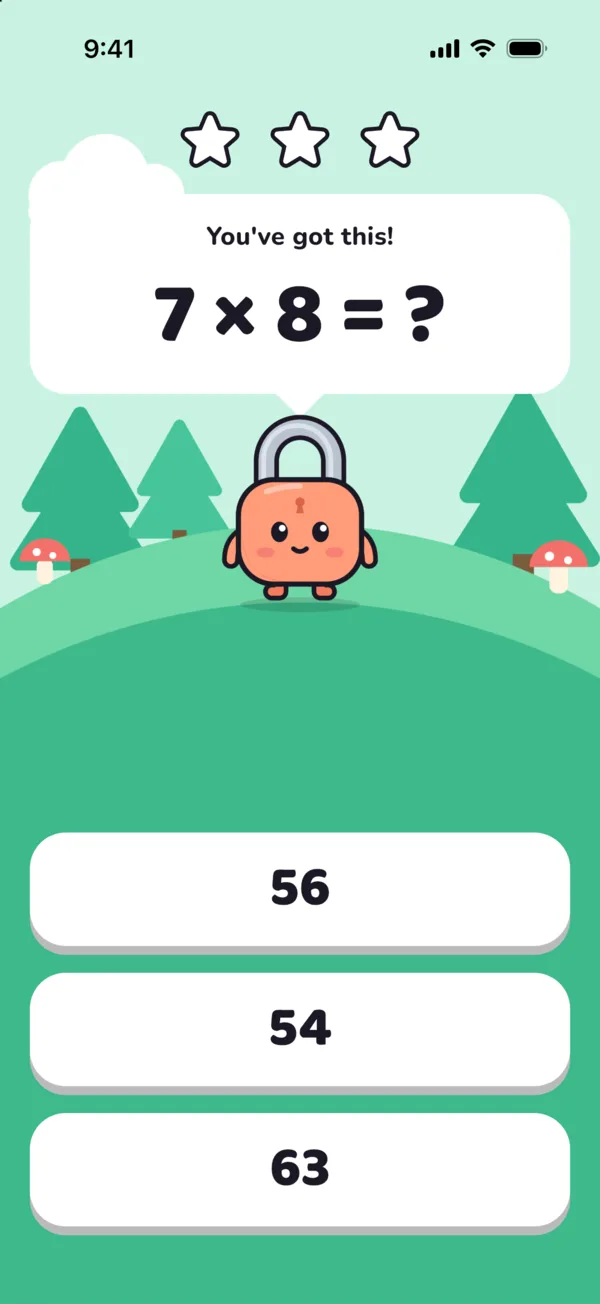
Limits stop Roblox. SmartBlock makes Roblox something your kid earns: when they open it, Clic the padlock asks three quick questions matched to their age. Three right in a row and Roblox opens for the play time you chose, then locks again on its own.
| Method | Best for |
|---|---|
| Zero allowance or 1-minute limit | Blocking Roblox for now without deleting it |
| Schedule or Downtime | School nights and bedtime |
| Block installs | Keeping it from coming back |
| SmartBlock | Allowing Roblox after a quick learning challenge |
Questions parents ask
Will my kid know Roblox is blocked?
Yes. When they tap it, iOS shows that the time limit has been reached.
Does blocking Roblox delete their account?
No. Their Roblox account, progress and messages stay. Only the app on this device is locked.
Can I block Roblox on iPad the same way?
Yes. Every step works the same on iPad.
More on Roblox: Roblox parental controls guide.