TikTok parental controls: a parent's guide
Quick answer: TikTok's own controls are in Settings and privacy → Family Pairing in TikTok. To limit time on a phone or tablet, use Screen Time on iPhone and iPad or Family Link on Android.
What TikTok's own controls do
- Accounts for users under 18 get a 60-minute daily screen time limit by default.
- Family Pairing links your account to your teen's so you can manage settings from your phone.
- With Family Pairing you set the daily limit, turn on Restricted Mode and control who can message them.
- Direct messages are turned off for accounts of 13 to 15-year-olds.
The gap: After the default 60 minutes, a teen can enter a passcode and keep scrolling unless you set it through Family Pairing.
Limit TikTok on iPhone and iPad
iOS 27 and later
- Open Settings → Family on your iPhone and tap your kid's name.
- Go to Time Allowances. Limits are set per category, so use Manage Categories to give TikTok a category of its own.
- Set the daily allowance for that category. Zero minutes blocks TikTok completely.
The new controls need every device in Family Sharing on version 27 and a one-time setup in Settings → Family.
iOS 26 and earlier
- Open Settings → Screen Time on your kid's iPhone or iPad (or tap their name under Family on yours).
- Tap App Limits → Add Limit, search for TikTok and select it.
- Set the daily time, and keep Block at End of Limit on.
- Turn on a Screen Time passcode your kid doesn't know.
TikTok also works in Safari at tiktok.com. Add the site under Websites in the same limit, or the app limit has a back door.
Want it gone entirely for now? See how to block TikTok on iPhone.
Limit TikTok on Android
- Install Google Family Link on your phone and add your kid's Google account.
- Open your kid's profile, go to Controls → App limits and find TikTok.
- Choose Set limit for a daily time, or Block to turn it off completely.
Make TikTok time something they earn
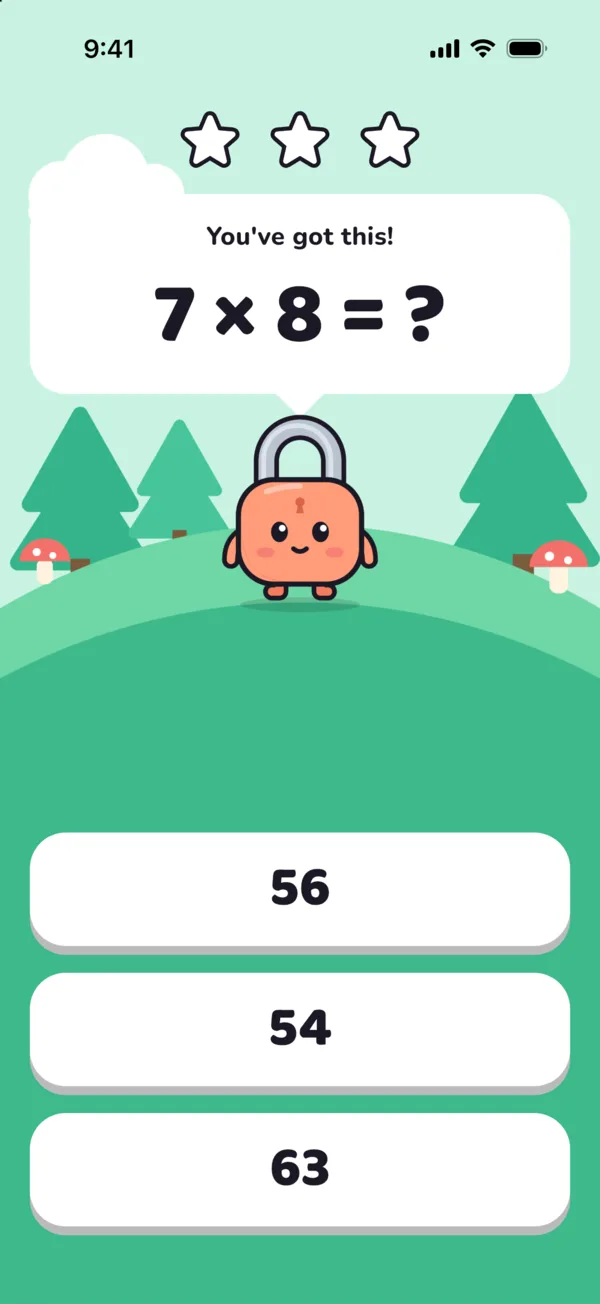
Limits stop TikTok. SmartBlock makes TikTok something your kid earns: when they open it, Clic the padlock asks three quick questions matched to their age. Three right in a row and TikTok opens for the play time you chose, then locks again on its own.
Questions parents ask
How old do you have to be to use TikTok?
TikTok requires users to be 13 or older. Accounts for 13 to 15-year-olds are private by default.
Can my kid turn off TikTok parental controls?
Not if they're protected. Use TikTok's own PIN or linked parent account where it has one, and a Screen Time passcode or Family Link on the device.
Does limiting TikTok delete their account or progress?
No. Time limits and blocks only stop the app from opening. Nothing in their TikTok account changes.
Parental controls for other apps
- Roblox parental controlsspending limits, chat, content maturity and daily time limits
- YouTube parental controlsYouTube Kids, supervised accounts and Restricted Mode
- Instagram parental controlsTeen Accounts, sleep mode, time limits and supervision
- Snapchat parental controlsFamily Center, contacts, time insights and content controls