Earned screen time: let kids earn their play time
Quick answer: earned screen time means kids unlock play time by doing something first, like a few math problems, reading or a chore. It works best when the rule is short, predictable and enforced by something other than you.
Why "earn it" beats "turn it off"
A countdown timer makes you the bad guy at the exact moment the fun stops. Earned time moves the decision earlier and hands part of it to your kid: they know what it takes, and they choose when to do it.
- Fewer negotiations. The rule is the rule. There's nothing to argue about when the app simply asks a question.
- A sense of control. Kids who choose to earn time push back less than kids who get cut off.
- Small learning every day. A few times tables before each game add up over a week without feeling like homework.
Rules that make it stick
- Keep the task short. One or a few quick questions, not a worksheet. If earning feels like punishment, kids stop playing along.
- Make it predictable. Same rule every day: one challenge, the same amount of play time.
- Match their level. Too easy is pointless, too hard is frustrating. Adjust as they grow.
- Let something else enforce it. If you have to check every answer, it won't last a week.
- Keep some time free. Earned time works for games and video. Calls with grandma shouldn't need a quiz.
Three ways to set it up
1. A chart or token jar
Kids earn tokens for tasks and trade them for minutes. Free and flexible, but you're the one tracking and enforcing it.
2. Apple's "Ask For More Time"
Set App Limits in Screen Time and approve extra time when your kid has done the task. It's built in, but every approval goes through you. See how to set up Screen Time limits.
3. An app that asks the question
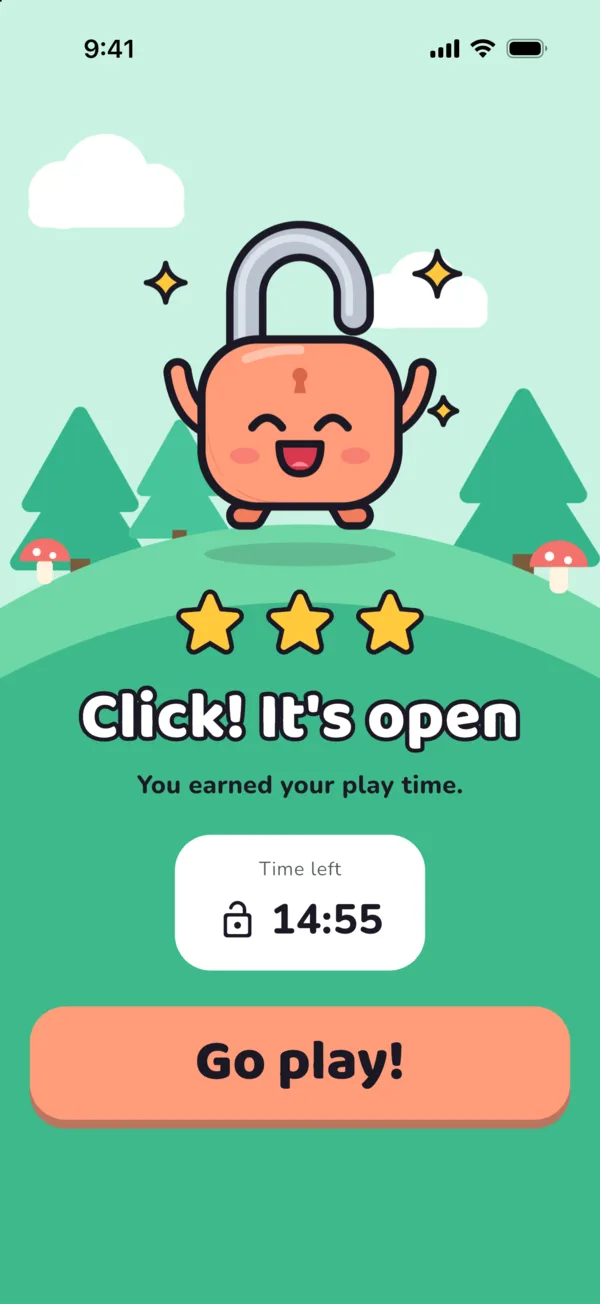
SmartBlock locks the apps you choose and shows a short, age-matched challenge whenever your kid opens one. Three right answers in a row and the app opens for the play time you set, from 15 minutes to 6 hours. Then it locks again on its own, and you see the week's results in the parents panel.
What to watch out for
- Don't make learning the price of everything. Keep reading for fun separate from reading to unlock.
- Watch the total, not just the trade. Earned time still adds up. Pair it with a bedtime cutoff.
- Celebrate the effort. "You got all three right" lands better than "fine, here's your iPad".
Questions parents ask
What age is earned screen time good for?
It works well from about 6, when kids can do short tasks on their own, through the early teens. Younger kids do better with simple routines than with trades.
Won't my kid just rush through the questions?
Some will at first. In SmartBlock a wrong answer resets the streak and pauses the buttons for a few seconds, so rushing stops paying off quickly.
How much play time should one task earn?
Start with 15 to 30 minutes per task and adjust. If they're asking for more all day, make each unlock shorter.