How to set up parental controls on iPad
Quick answer: iPad's built-in parental controls are in Screen Time. Start with app limits, a bedtime and a passcode.
Step by step
- Open Settings → Screen Time and choose that it's your child's iPad, or set it up from your iPhone through Family Sharing.
- Set daily limits for games and video apps: Time Allowances on iPadOS 27, App Limits on earlier versions.
- Schedule bedtime with a Screen Time Schedule (or Downtime on earlier versions).
- In Content & Privacy Restrictions, limit web content, and block app installs under Apps & Websites → App Store.
- Manage it from your own iPhone through Family Sharing, or turn on a Screen Time passcode.
Shared family iPad? Screen Time applies to the whole device, so set limits that work for the youngest user, or give older kids their own Apple Account.
Limit specific apps
- Roblox parental controlsspending limits, chat, content maturity and daily time limits
- YouTube parental controlsYouTube Kids, supervised accounts and Restricted Mode
- TikTok parental controlsFamily Pairing, daily limits and Restricted Mode
- Instagram parental controlsTeen Accounts, sleep mode, time limits and supervision
- Snapchat parental controlsFamily Center, contacts, time insights and content controls
- Fortnite parental controlsEpic PIN, chat, purchases and daily time limits
Make screen time earned
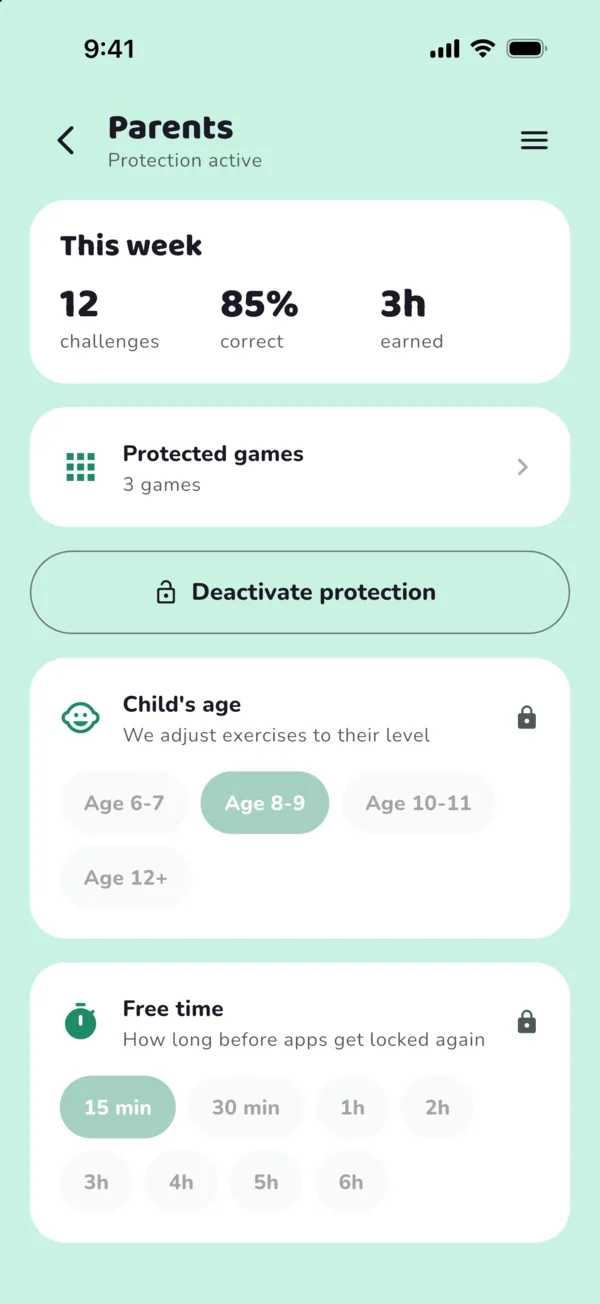
Screen Time decides how long. SmartBlock decides what it takes: the apps you pick stay locked until your kid answers three quick questions at their level.